Your money,
your control
Everything you need to
manage your money
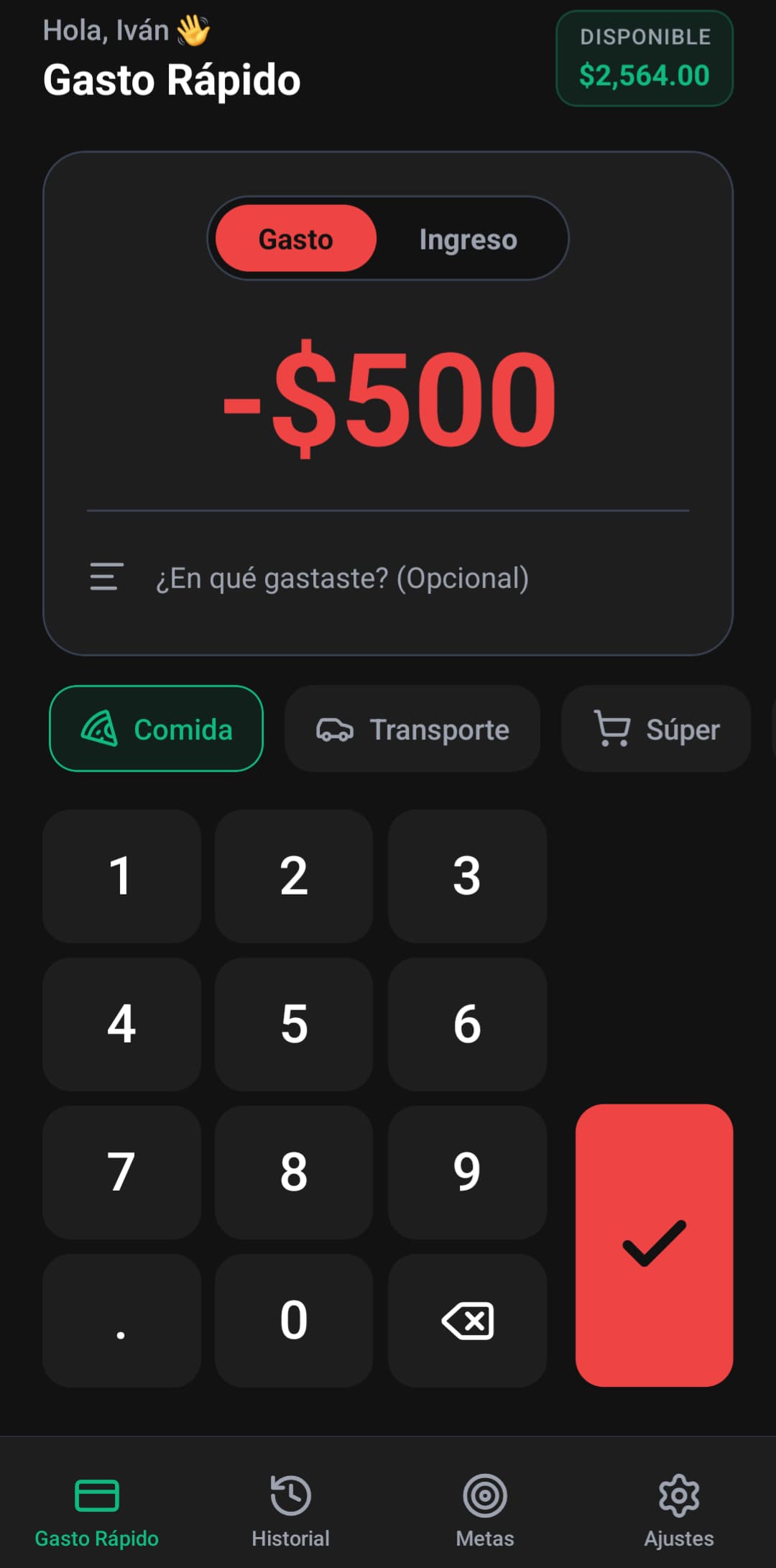
Quick Expense Tracking
Add new expenses in seconds from the main screen. No spreadsheets - just tap and go.
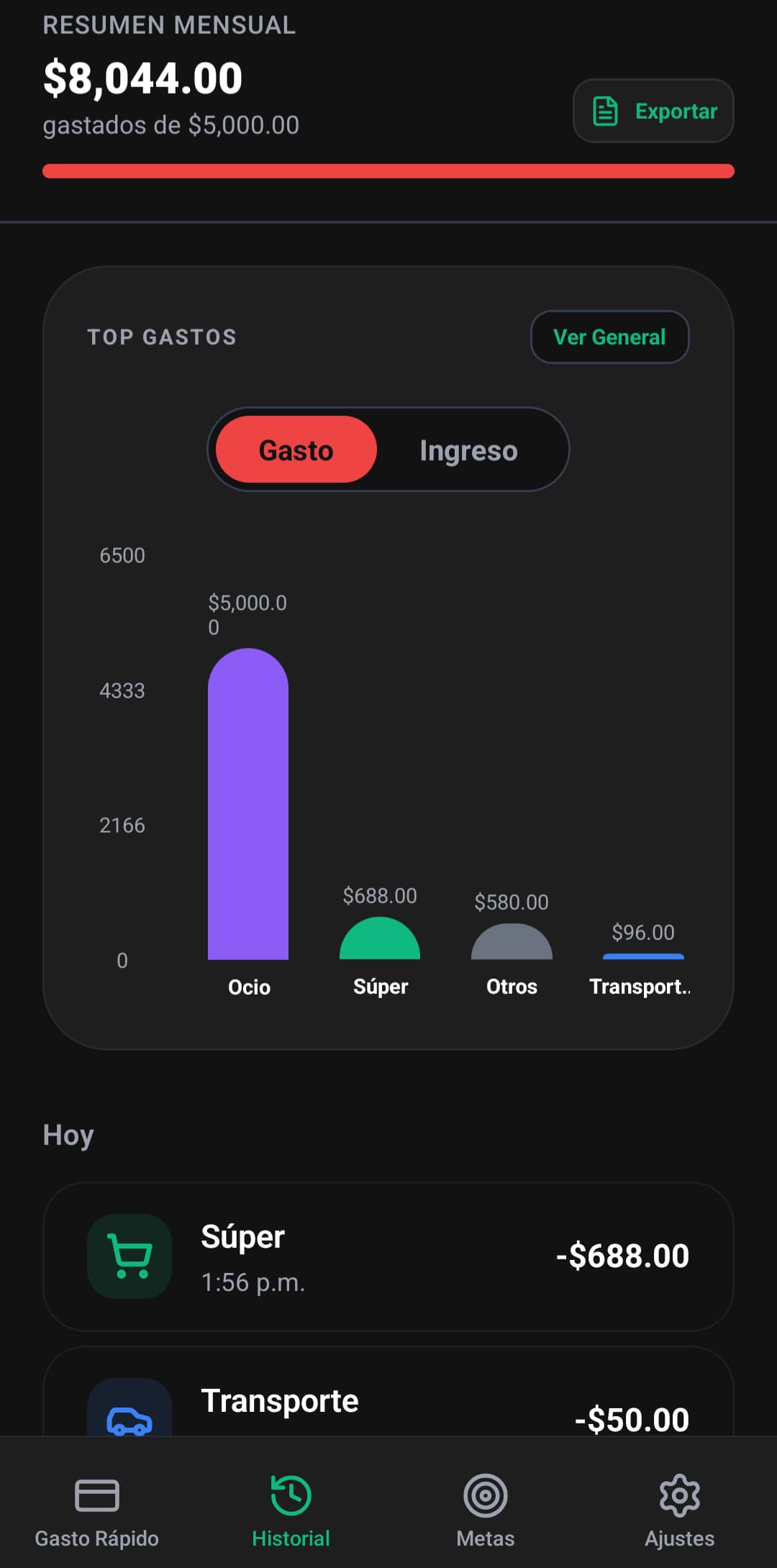
Expense History
View all your transactions in one place. See patterns and understand your spending habits.
Goal Setting
Set savings goals and track your progress. Vacations, phones, emergency funds - we've got you.
Personalized Settings
Update your username, set your monthly budget, and tailor the app to your needs.
Simple, intuitive, effective
Add Your Expense
Open the app and quickly log what you spent
Set Your Goals
Create savings targets for what matters to you
Track Progress
Watch your spending and savings grow
Download MiCash
Currently available for Android. Download the APK and take control of your finances today.
How to Install
Follow these simple steps to install MiCash on your Android device
Download the APK
Click the download button above to get the MiCash APK file on your device.
Enable Installation from Unknown Sources
Since this app is not on the Play Store, you need to allow installations from unknown sources.
1. Go to Settings
2. Tap Security or Privacy
3. Find and enable Unknown sources or Install unknown apps
Install the APK
Locate the downloaded file and install the app.
1. Open your Downloads folder (or where you saved the file)
2. Tap on micash.apk
3. Tap Install when prompted
Open and Enjoy!
Once installed, tap "Open" or find MiCash in your app drawer to start managing your finances.
Important Security Note
MiCash requires "Unknown sources" permission to install. This is normal for apps outside the Play Store. Your data stays on your device - we don't collect any personal information.
Common Questions
Is MiCash free to use?
Is my data safe?
Why isn't MiCash on the Play Store?
Will MiCash work on my phone?
Ready to take control of
your finances?
Download MiCash now and start your journey to financial freedom.
Download for Android